

If you’re choosing a new computer, the most important question is how and where you’ll use it. Here’s a quick guide to the main types and what to look for.
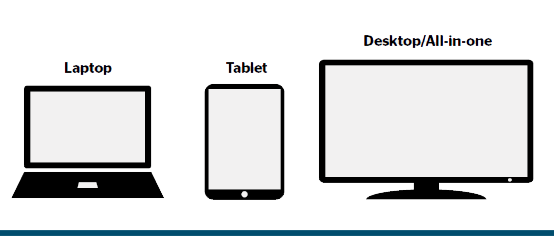
Types of computer
- Laptops are the most popular choice if you want to work from room to room or take your computer out with you. Screens range from about 13 inches, which are light and portable, to 17 inches with a full-size keyboard.
- Desktop PCs have a separate tower, screen, keyboard and mouse. They’re best value for performance, easy to upgrade and kinder on your posture. See our own H-II and H-III desktops.
- Mini PCs are desktop computers in a box small enough to fix behind a monitor. Ideal if you’re tight for space. See our mini PCs.
- All-in-ones build the computer into the screen, for a tidy desk with fewer cables.
- Tablets are great for browsing, email and video calls, but not ideal for lots of typing.
What to look for
- Windows 11 – every computer we sell runs Windows 11. Choose the Pro edition for business use.
- Memory (RAM) – 8GB for light use, 16GB is what we recommend for most people.
- Storage – an SSD of at least 500GB. Avoid computers that only have a hard disk.
- Processor – an Intel Core 5 or i5 or equivalent is plenty for everyday use and office work.
Get it right first time
We’ve found many people are using devices that just don’t suit what they need. We’ll talk it through with you, recommend the right spec without overselling, and can set it up and move your files across so it’s ready to use.

